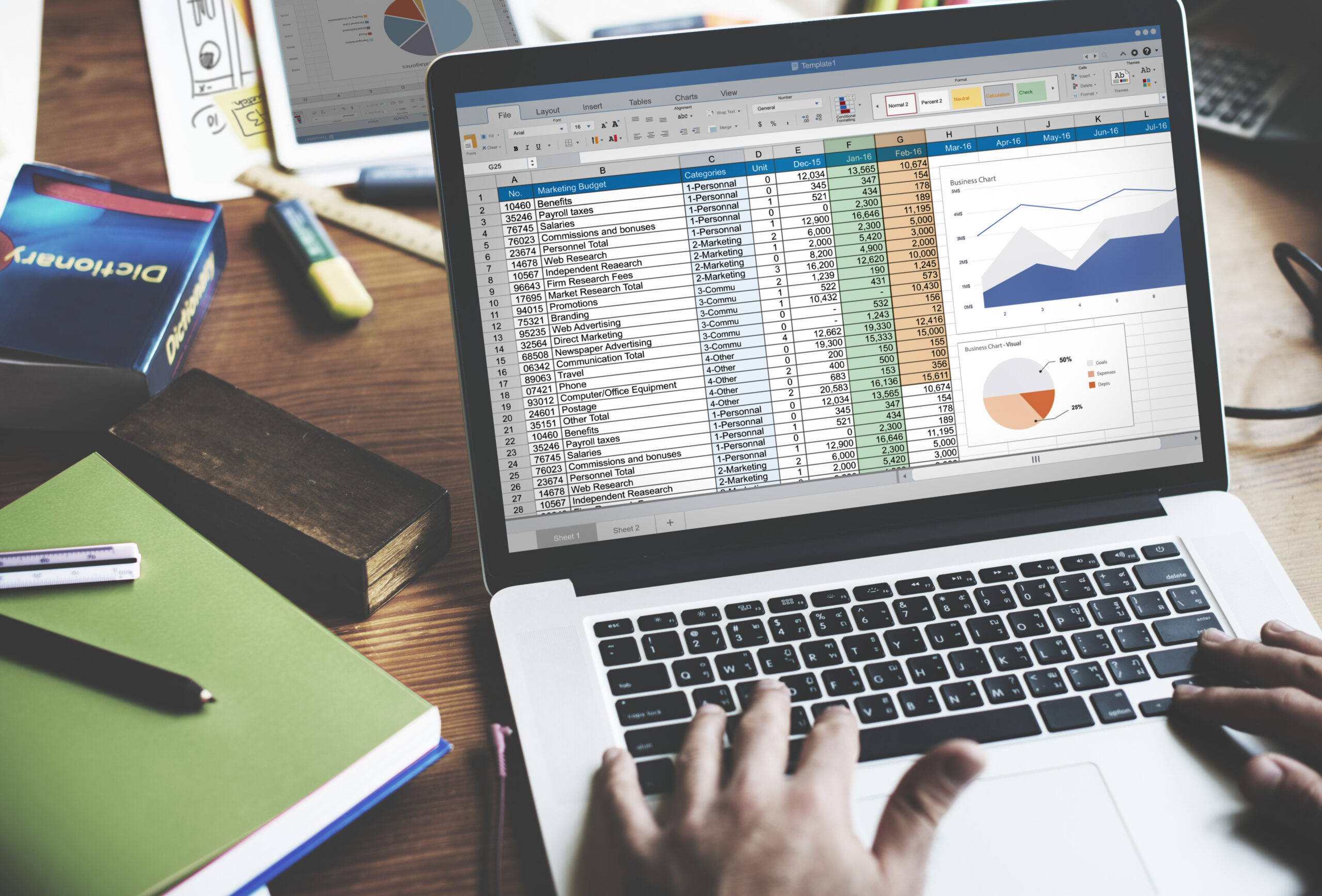
Spreadsheets are a practical starting point for business reporting. They are familiar, flexible, inexpensive, and useful for organizing information without requiring specialized software. For a small team tracking a few metrics, a spreadsheet may be all that’s needed.
The problems tend to emerge as the business grows. More departments need access to the same information, data starts coming from more systems, and reports become more complicated to maintain. What once took a few minutes can turn into hours of copying, checking, and reconciling numbers.
Spreadsheets are not inherently bad reporting tools. The challenge is that they are often asked to handle more data, more users, and more complex processes than they were originally designed to support.
Why Businesses Rely on Spreadsheets in the First Place
Spreadsheets are popular because they make it easy to get started. Employees can create tables, apply formulas, build charts, and organize information without waiting for a software implementation.
They are also flexible. A team can add a column, change a calculation, or adjust a report to answer a new question. For businesses that are still figuring out which metrics matter, this flexibility is useful.
Spreadsheets can remain effective for many tasks, including one-time analysis, small datasets, budgeting, and simple reporting.
The trouble starts when a spreadsheet becomes a critical part of an ongoing business process. A file originally created for one employee may gradually become the source of truth for an entire department, even though it lacks the controls needed to manage that responsibility reliably.
Multiple Versions Create Conflicting Numbers
One of the first problems businesses encounter is version control.
An employee downloads a report, makes changes, and emails it to a colleague. That colleague adds new information and sends it to a manager, who saves another copy. Before long, several versions of the same report exist, each with slightly different numbers.
This makes it difficult to determine which version is accurate.
Even when teams use shared cloud spreadsheets, conflicting edits and separate copies can still create confusion. Employees may not know whether the file they are viewing includes the latest updates or whether someone has changed a formula since the previous reporting period.
When different departments rely on different versions of the same information, meetings can turn into debates about whose numbers are correct instead of discussions about what the numbers mean.
Manual Data Entry Introduces Errors
Many spreadsheet-based reporting processes depend on employees manually transferring information from other sources.
Someone might export sales data from a CRM, copy revenue figures from accounting software, and add operational metrics from another report. Each step takes time and creates another opportunity for mistakes.
Common issues include:
- Values entered into the wrong cells
- Records accidentally omitted or duplicated
- Dates and numbers formatted inconsistently
- Formulas overwritten during editing
- Data copied from an outdated report
- Updates applied to one spreadsheet but not another
These errors are not always obvious. A report may look complete and still contain inaccurate information that affects forecasts, budgets, or operational decisions.
As the number of manual steps increases, maintaining accuracy becomes more difficult.
Reporting Takes Longer as Data Grows
A spreadsheet that works well with a few hundred records may become cumbersome when the business needs to analyze thousands or tens of thousands of rows across multiple reporting periods.
The issue is not always the spreadsheet’s technical limits. Often, the real burden comes from the process surrounding it.
Employees may need to download several exports, clean up inconsistent fields, combine datasets, check formulas, and rebuild charts before a report is ready to share. If the process must be repeated every week or month, that effort becomes a recurring operational cost.
The time spent preparing reports also delays the moment when employees can use the information. By the time a report is complete, some of its figures may already be outdated.
Formulas Become Difficult to Maintain
Spreadsheet formulas can automate calculations, but complicated workbooks are often difficult to understand and maintain.
Over time, employees may add new tabs, introduce additional calculations, or build formulas that depend on other formulas across multiple sheets. The original creator may leave the company or move to another role, leaving the remaining team with a workbook that few people fully understand.
A small change can have unexpected consequences. Inserting a row, changing a column, or modifying a formula may affect calculations elsewhere in the file.
Without clear documentation and regular validation, it becomes harder to know whether a report is calculating metrics correctly. Employees may continue using familiar spreadsheets long after the logic behind them has become difficult to verify.
Combining Data From Different Systems Gets Complicated
Businesses rarely keep every important metric in one application.
Sales information may live in a CRM, financial data in accounting software, inventory records in an ERP, and marketing results in advertising platforms. Spreadsheets often become the place where employees manually bring these sources together.
That approach can work for occasional analysis. It becomes harder to sustain when reports need to combine information regularly or at a more detailed level.
Different systems may use different customer identifiers, date formats, product names, or definitions of a metric. Employees must reconcile those differences before the data can be compared accurately.
As the number of sources grows, the spreadsheet becomes responsible for more than displaying information. It becomes an informal integration process that depends on manual work and individual knowledge.
Teams Start Disagreeing About What the Numbers Mean
Even when everyone has access to the same spreadsheet, departments may interpret metrics differently.
For example, sales might count a lead as qualified once a prospect meets certain criteria, while marketing uses a different definition. Finance may report revenue based on recognized income, while sales tracks the value of signed contracts.
These figures can all be valid, but they are not interchangeable.
If definitions are not documented and applied consistently, spreadsheets can reinforce these disagreements. Each team may maintain its own calculations, filters, or assumptions, making cross-department reporting unreliable.
The result is a fragmented view of business performance. Leaders may struggle to understand how marketing activity affects sales, how sales forecasts compare with actual revenue, or how operational performance influences profitability.
Sharing Spreadsheets Creates Access and Security Challenges
As spreadsheets become more important, businesses often need to share them with more employees, managers, and external partners.
This creates questions about who should be able to view, edit, or distribute the information. A workbook may contain customer details, financial figures, employee information, or other data that should not be available to everyone.
File permissions can help, but managing access across multiple copies and shared folders can become difficult. Once a file is downloaded or forwarded, the business may have limited visibility into where that information goes.
Spreadsheets can support controlled collaboration, but they are not always the best fit for reporting processes that require detailed access rules, clear audit trails, and centralized oversight.
Real-Time Reporting Becomes Difficult
Many spreadsheet reports are snapshots of information at the moment it was exported or last updated.
That may be sufficient for a monthly review, but it can create problems when employees need current information to make operational decisions.
A manager reviewing inventory from yesterday’s export may not see today’s orders. A sales report might not include recent changes to the pipeline. A marketing spreadsheet may reflect campaign performance before the latest data was imported.
Keeping every report current requires a reliable process for refreshing data and checking that updates have completed correctly.
When that process depends on employees remembering to download files and update formulas, the business can struggle to maintain a consistent view of what is happening now.
Warning Signs Your Spreadsheet Reporting Has Outgrown Its Role
Not every spreadsheet needs to be replaced. The more useful question is whether the current reporting process is still reliable, efficient, and appropriate for the business.
Several warning signs suggest it may be time to reassess how reporting works:
- Employees regularly spend hours preparing recurring reports.
- Different departments produce conflicting versions of the same metric.
- Reports depend on one person who understands a complicated workbook.
- Data must be copied manually between several applications.
- Errors are discovered only after a report has been distributed.
- Leaders cannot easily access the information they need.
- Reporting delays prevent teams from responding to problems quickly.
- Adding a new metric or data source requires extensive manual work.
One issue alone may not justify changing the reporting process. But when several appear together, the cost of maintaining spreadsheets can become greater than it first appears.
What Happens When Reporting Becomes a Bottleneck?
Unreliable reporting affects more than the people who prepare spreadsheets.
Managers may make decisions using outdated figures. Sales teams may misjudge pipeline performance. Operations staff may miss emerging problems because information arrives too late. Finance teams may spend more time reconciling reports than analyzing results.
There is also an opportunity cost. Every hour spent collecting, cleaning, and checking data is an hour that could have gone toward investigating trends or improving a business process.
These problems can compound as the organization grows. More employees, more systems, and more reporting requirements increase the effort needed to keep spreadsheet-based processes working.
The spreadsheet itself may not be the root cause. Often, the underlying issue is that the business has outgrown a reporting process built around manual data collection and individual workarounds.
Spreadsheets Still Have a Place in Business Reporting
Recognizing these limitations does not mean spreadsheets should disappear from the workplace.
They remain useful for ad hoc analysis, quick calculations, small projects, and situations where employees need flexibility. Many dedicated reporting tools also allow users to export data into spreadsheets for further analysis.
The important distinction is between using a spreadsheet as a convenient tool and relying on it as the foundation for a business-critical reporting process.
When reporting requires frequent updates, multiple data sources, consistent metric definitions, or access across several departments, businesses may benefit from evaluating other ways to manage and present their information.
The right approach depends on the complexity of the reporting requirements, the reliability of existing systems, and the decisions employees need to make.
Recognizing When Your Reporting Process Needs to Change
Spreadsheets often become essential gradually. A useful file turns into a recurring report, the report becomes part of a team’s workflow, and eventually multiple departments depend on the information it contains.
By that point, the business may be spending significant time maintaining reports without realizing how much effort the process requires.
Reviewing how data is collected, updated, checked, and shared can reveal where the biggest problems occur. It can also help distinguish between issues that can be fixed with better spreadsheet practices and those that point to a need for a more structured reporting system.
The goal is not to eliminate spreadsheets. It is to make sure the reporting process can keep pace with the business and provide employees with information they can trust when they need it.