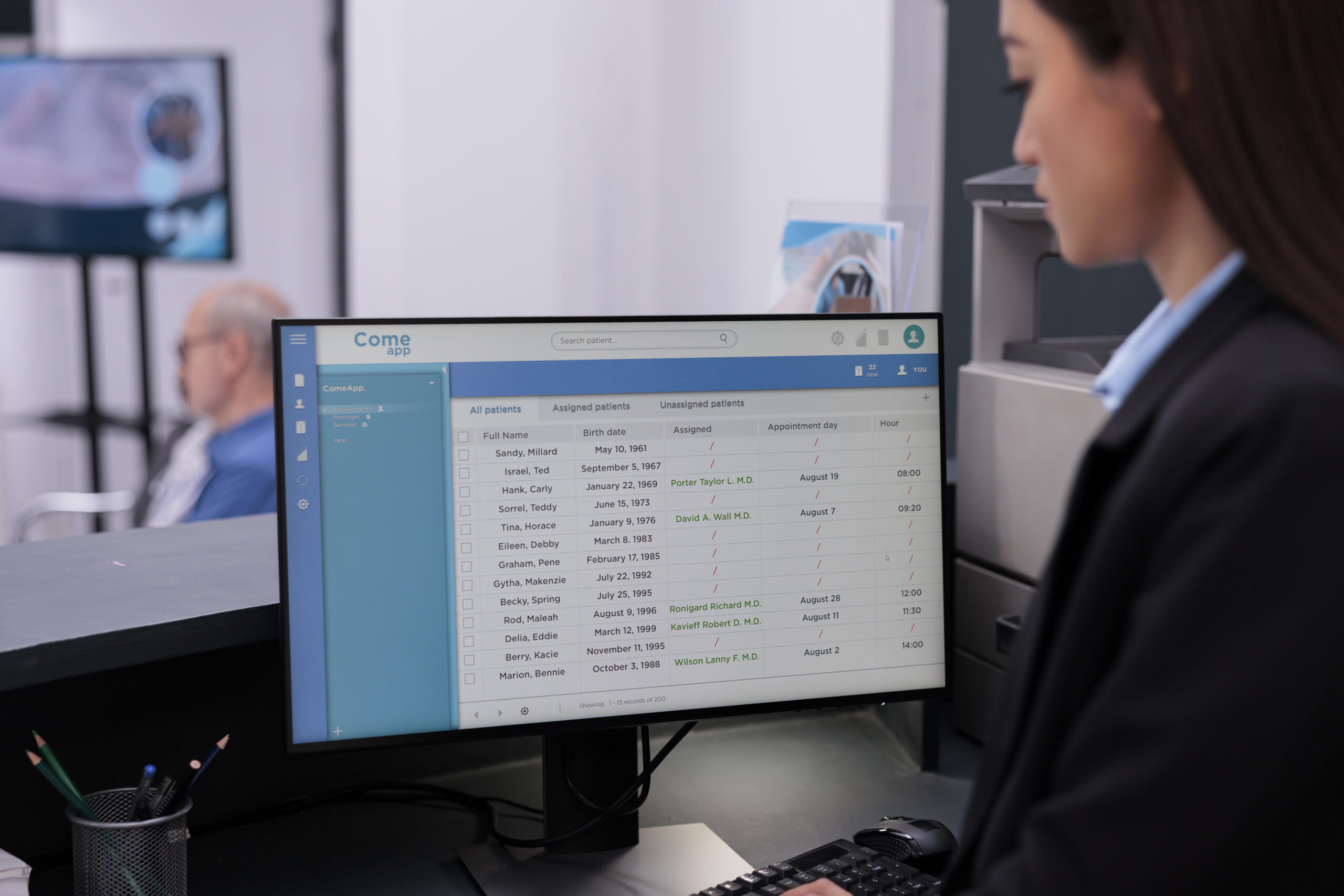
Customer expectations have changed. People increasingly want to access information, manage accounts, submit requests, and resolve routine issues without waiting for someone from a business to respond.
A customer self-service portal can provide that experience while reducing repetitive work for internal teams. Instead of relying entirely on phone calls, emails, or manual requests, customers can interact with a centralized platform whenever they need assistance.
But not every portal delivers meaningful value. A portal that simply displays static information or redirects customers to another department may create more frustration than convenience.
The most effective customer self-service portals combine practical functionality, intuitive navigation, reliable information, and connections to the systems employees already use.
Secure Customer Account Access
Account access is one of the most fundamental features of a customer self-service portal. Customers should be able to sign in securely and access information relevant to their relationship with the business.
Depending on the organization, this might include account details, order history, invoices, subscriptions, service agreements, or contact information.
A well-designed account area should make it easy for customers to find what they need without contacting support. It should also ensure that customers can only access information associated with their accounts.
Security requirements may include multifactor authentication, appropriate session controls, password recovery, and role-based permissions. Businesses handling sensitive customer information should also evaluate applicable privacy requirements and access restrictions.
The goal is to make account management convenient without compromising customer data.
Self-Service Request and Ticket Management
Customers should have a straightforward way to submit questions, service requests, support tickets, or other inquiries through the portal.
A request management feature can allow customers to:
- Submit requests through structured forms.
- Select categories or service types.
- Attach relevant documents or images.
- Review submitted requests.
- Check request status and progress.
- Add comments or respond to follow-up questions.
This functionality reduces uncertainty by giving customers visibility into what happens after they submit a request.
It also helps internal teams organize incoming work, prioritize requests, and maintain a record of customer interactions.
For businesses handling recurring service requests, structured submission forms can improve the quality of information received and reduce the need for employees to ask customers for missing details.
Order, Service, or Transaction Tracking
Customers often want to know what is happening with an order, appointment, shipment, or service request.
A self-service portal should provide relevant status information whenever the business has data available to support it.
For example, an ecommerce customer might view order processing and shipment status. A service customer could check appointment schedules or project milestones. A distributor might allow customers to review order history and expected delivery dates.
The specific tracking capabilities depend on the business model, but the underlying benefit is similar: customers can answer routine status questions without contacting employees.
Tracking information should be accurate and updated frequently enough to remain useful. Displaying outdated status information can undermine customer confidence and generate additional support requests.
Knowledge Base and Frequently Asked Questions
A knowledge base allows customers to find answers to common questions without submitting a request.
Useful content might include:
- Frequently asked questions.
- Product documentation.
- Troubleshooting guides.
- Setup instructions.
- Policies and service information.
- Tutorials and step-by-step walkthroughs.
A searchable knowledge base is especially valuable when customers frequently encounter the same issues or need guidance outside normal business hours.
Content should be organized around customer needs rather than internal department structures. Customers generally want to solve a problem, not determine which department owns the relevant documentation.
Businesses should also establish a process for maintaining articles as products, services, and policies change.
Account Management and Customer Profile Updates
A portal can reduce administrative work by allowing customers to maintain their own account information.
Depending on the business, customers may be able to update contact details, manage billing information, change notification preferences, maintain shipping addresses, or review account settings.
Some changes may require verification or employee approval, particularly when they affect billing, contractual information, or account ownership.
The portal should make these requirements clear and provide confirmation when changes are submitted or completed.
Customer-managed information also needs to remain synchronized with internal systems. If a customer updates an address in the portal but the change does not reach the order management or CRM platform, employees may continue using outdated information.
Online Payments and Invoice Management
For businesses that bill customers directly, payment and invoice features can make a self-service portal considerably more useful.
Customers may benefit from the ability to:
- View current and historical invoices.
- Download invoice documents.
- Check outstanding balances.
- Review payment history.
- Make payments online.
- Manage recurring payment arrangements where appropriate.
These features can reduce routine billing inquiries and simplify payment processes.
Businesses implementing payment functionality should consider payment provider integrations, transaction security, reconciliation, and how payment status is reflected in accounting systems.
A portal should not simply accept a payment and leave employees to update financial records manually. Connecting payment activity with the appropriate internal systems helps maintain accurate account information.
Notifications and Communication Preferences
Customers should not need to repeatedly check a portal to determine whether something has changed.
Notifications can inform customers when requests are updated, orders are shipped, appointments are approaching, invoices become available, or additional information is required.
Depending on the business, notifications may be delivered through email, SMS, or in-portal alerts.
Customers should have reasonable control over communication preferences, particularly for nonessential messages. Businesses should also distinguish operational notifications from marketing communications and apply the appropriate consent requirements.
A useful notification system communicates important changes without overwhelming customers with unnecessary messages.
Search and Intuitive Navigation
A self-service portal should make information easy to locate.
Customers may arrive looking for a specific invoice, a support article, an order, or a service request. If they cannot find it quickly, they may abandon the portal and contact the business directly.
Effective navigation should reflect how customers think about their tasks. Clear labels, logical categories, accessible search, and consistent page layouts help reduce confusion.
Search functionality becomes particularly important when a portal contains extensive documentation, product information, or historical customer records.
Businesses should also evaluate the portal on different devices. Responsive design and mobile-friendly navigation allow customers to complete common tasks from smartphones and tablets rather than requiring access to a desktop computer.
Integration With Existing Business Systems
Portal functionality depends heavily on the information and processes behind it.
A customer self-service portal may need to connect with systems such as:
- CRM platforms for customer records and interaction history.
- ERP systems for orders, billing, and operational information.
- Inventory management systems for stock availability.
- Accounting platforms for invoices and payment records.
- Help desk software for support tickets.
- Scheduling systems for appointments and service availability.
These integrations help ensure that customers and employees work from consistent information.
Without reliable connections, portal data may become outdated or require employees to manually maintain records across multiple applications.
Businesses should identify the systems that support their most important customer workflows before deciding how the portal will be implemented.
Accessibility and Inclusive Design
A portal should be usable by customers with different abilities, devices, and levels of technical experience.
Accessibility considerations include keyboard navigation, readable typography, appropriate color contrast, descriptive form labels, and compatibility with assistive technologies.
Forms should provide clear instructions and explain validation errors in ways customers can understand. Important actions should not depend exclusively on color, complex gestures, or visual cues.
Accessibility is not simply a design preference. Depending on the business and applicable regulations, it may also be a legal consideration.
Designing for accessibility can improve the experience for a broader range of customers while making the portal easier for everyone to use.
Security, Privacy, and Permission Controls
Customer portals often expose information that should not be publicly accessible.
Businesses need to establish appropriate safeguards for authentication, authorization, data handling, and account management.
Important considerations include:
- Restricting access to customer-specific information.
- Applying permissions based on account roles.
- Protecting sensitive data during transmission and storage.
- Maintaining audit records for relevant activities.
- Managing account recovery and access changes.
- Monitoring suspicious activity.
- Establishing appropriate data retention practices.
For business-to-business portals, permission controls may need to support multiple users within a single customer organization. An account administrator might manage access for employees while limiting financial or administrative information to authorized users.
Security requirements should be considered during planning rather than added after the portal’s core functionality has already been developed.
Reporting and Portal Analytics
A customer self-service portal should provide business value that can be evaluated over time.
Reporting and analytics can help organizations understand how customers use the portal, which features are most valuable, and where additional improvements may be needed.
Useful measurements include:
- Portal adoption and active users.
- Self-service task completion rates.
- Support requests submitted through the portal.
- Common knowledge base searches.
- Failed searches or abandoned workflows.
- Customer satisfaction feedback.
- Changes in support volume and response times.
These metrics help businesses determine whether the portal is actually reducing friction or simply moving existing work to another channel.
For example, a high volume of searches with few successful results might indicate that documentation is difficult to find or that customers need additional information.
Analytics should support improvement rather than become a collection of numbers without a clear purpose.
Which Features Should You Prioritize First?
Not every business needs every portal feature at launch. The right functionality depends on customer expectations, existing workflows, and the problems the portal is intended to solve.
A practical starting point is to identify the most common customer interactions and determine which ones could be handled more efficiently through self-service.
| Business need | Potential starting features |
| Reduce support inquiries | Knowledge base, request submission, ticket tracking |
| Improve order visibility | Order history, status tracking, shipment updates |
| Simplify billing | Invoice access, payment history, online payments |
| Improve account administration | Customer profiles, account settings, user permissions |
| Improve service coordination | Appointment scheduling, request tracking, notifications |
| Support larger customer accounts | Multiple users, role-based access, organization management |
Start with a focused set of features that addresses a meaningful customer problem. Additional capabilities can be introduced as usage patterns and business priorities become clearer.
This approach reduces unnecessary development while giving customers a useful experience from the beginning.
Should You Build a Custom Customer Self-Service Portal?
Some businesses can meet their needs with an existing customer portal or functionality included in their CRM, ecommerce, or service management platform.
Others may have specialized workflows, integration requirements, or customer experiences that standard products cannot accommodate effectively.
Custom development becomes worth evaluating when existing solutions create significant limitations, require too many workarounds, or cannot connect reliably with the systems supporting customer operations.
A custom portal can be designed around the business’s specific processes and customer requirements. It can also provide flexibility to expand functionality as those needs evolve.
However, custom development introduces responsibilities for implementation, security, hosting, maintenance, and ongoing improvements. Businesses should compare those costs and responsibilities against the benefits of existing solutions before committing.
Build a Portal Around Customer Needs
A successful customer self-service portal does more than provide another place for customers to log in. It gives them a practical way to complete tasks, access information, and resolve routine questions without unnecessary friction.
Account access, request management, tracking, documentation, notifications, and reliable system integrations form a strong foundation for many businesses. Security, accessibility, and analytics help ensure that the portal remains useful and sustainable as customer expectations change.
The best portal is not necessarily the one with the most features. It is the one that makes important customer interactions easier while helping employees manage those interactions more efficiently.
Before investing in a new portal, identify the customer tasks that generate the most friction, evaluate the systems those tasks depend on, and prioritize features that deliver measurable improvements.